Table of contents
Account settings
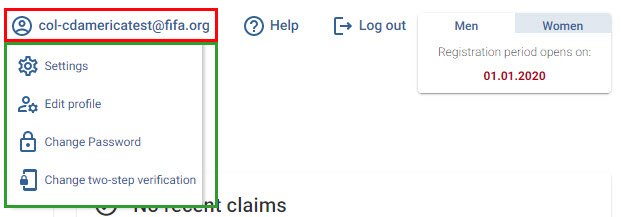
Select your username to update certain information in your TMS user account or your organisation’s details:
| Option | Action | Remarks |
|---|---|---|
| Settings | Change the system language | For more information on how to edit your user profile, see the section “Editing TMS user profile details”. |
| Edit profile | Edit your organisation’s details | The information you can edit in your profile depends on your user role (club or Member Association). For more information, see “Editing association details” and “Editing club details”. |
| Change password | Change your TMS login password | |
| Change two-step verification method | Change your two-step verification method (SMS or email) | For more information, see “Two-step verification”. |
Help and support
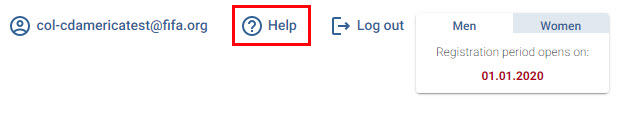
Select “Help” to open the support portal. From there, you can browse the Help Centre for guidance on using TMS or contact the TMS Helpdesk for further assistance.