Table of contents
Player registration
A player is not eligible to play for their new club until the new association has either:
- confirmed receipt of the ITC, entered the player registration information in TMS and registered the player in its electronic registration system, i.e. ITC delivered; or
- registered the player in its electronic registration system and entered the player registration information in TMS in the absence of a response to the ITC request within 72 hours, i.e. No ITC.
Confirming receipt in TMS
If the former association has delivered the ITC within the allotted deadline, the new association must confirm receipt in ITMS to complete the player’s registration. To do so, locate the relevant transfer and click “Update ITC Details”.
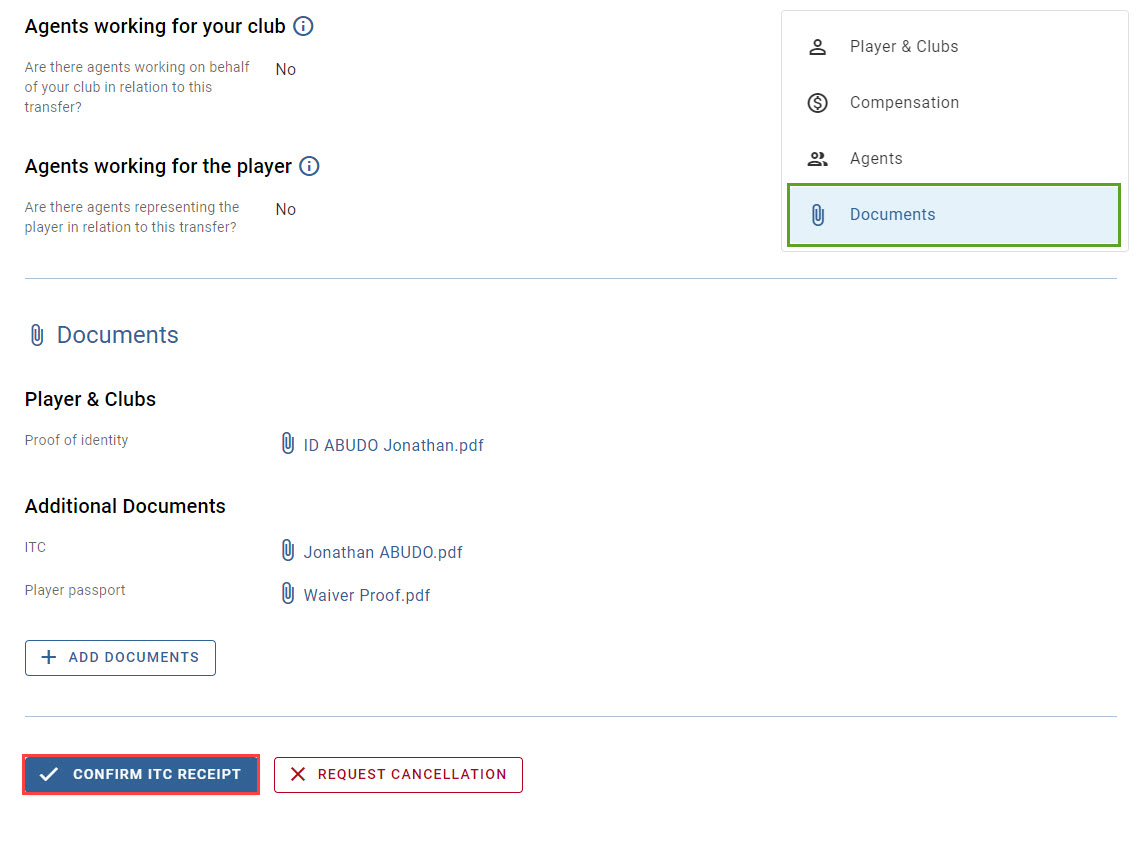
If necessary, review the transfer details and, when ready, click “Confirm ITC Receipt”.
Enter the player’s registration date and (if desired) national ID details. The player’s registration date cannot be prior to the date on which the new association confirms receipt of the ITC in TMS.
Professional transfers will include the option to review the engaging club’s training category and, if applicable, update it to reflect the correct information. Any changes made to the training category will be reflected in the club’s details under Stakeholders > Clubs in TMS. Amateur transfers do not include this option; however, associations are encouraged to review and, where necessary, update their clubs’ details before confirming receipt of the ITC.
Once ready, click on “Confirm registration” once again.
Once receipt of the ITC has been confirmed, the transfer status will update accordingly:
- Permanent transfers: “Closed” or “Closed – Awaiting Payments”
- Loan transfers: “On Loan – Awaiting Payments” or “On Loan – Awaiting Conclusion”
At this stage, the ITC process in ITMS is complete, and the ITC document becomes visible to all parties involved in the transfer in both the transfer summary and history.
Resolving a player duplicate
In the event of a transfer where possible player duplicates have been identified, the new association will be prompted to “Resolve player duplication” before it is able to confirm receipt of the ITC (see “How to resolve a player duplicate in TMS”).
Identifying the player registration type
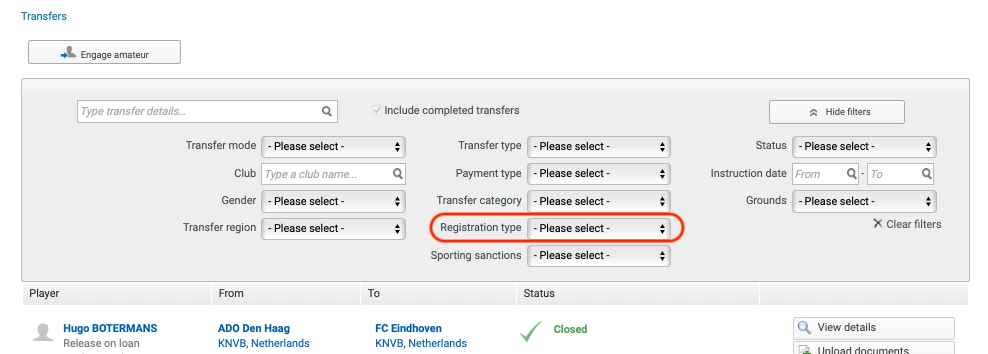
Member Associations may filter transfers based on whether the ITC was delivered or whether the player was registered without its delivery. Associations should review players who have been registered without the delivery of an ITC and ensure that they are duly deregistered from their electronic registration systems to maintain accurate registration records.
Identifying transfers with pending sporting sanctions
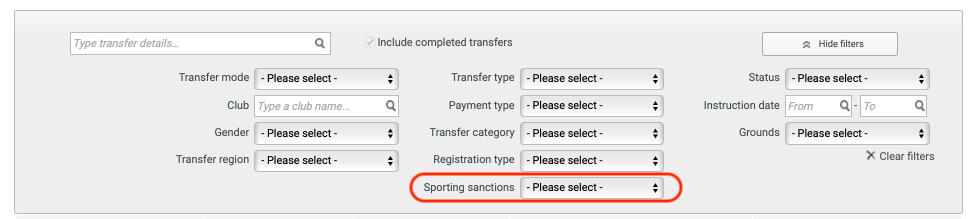
Clubs and Member Associations may filter transfers based on whether the player’s former association has uploaded any document relating to pending sporting sanctions.