Table of contents
Requesting the grounds
Once the decision on a transfer has been made, the relevant parties will receive a notification on their dashboard.
The Member Associations concerned may request the grounds for the decision (that is, the reason(s) for accepting, rejecting or deeming the transfer not admissible) within ten days of its notification in TMS.
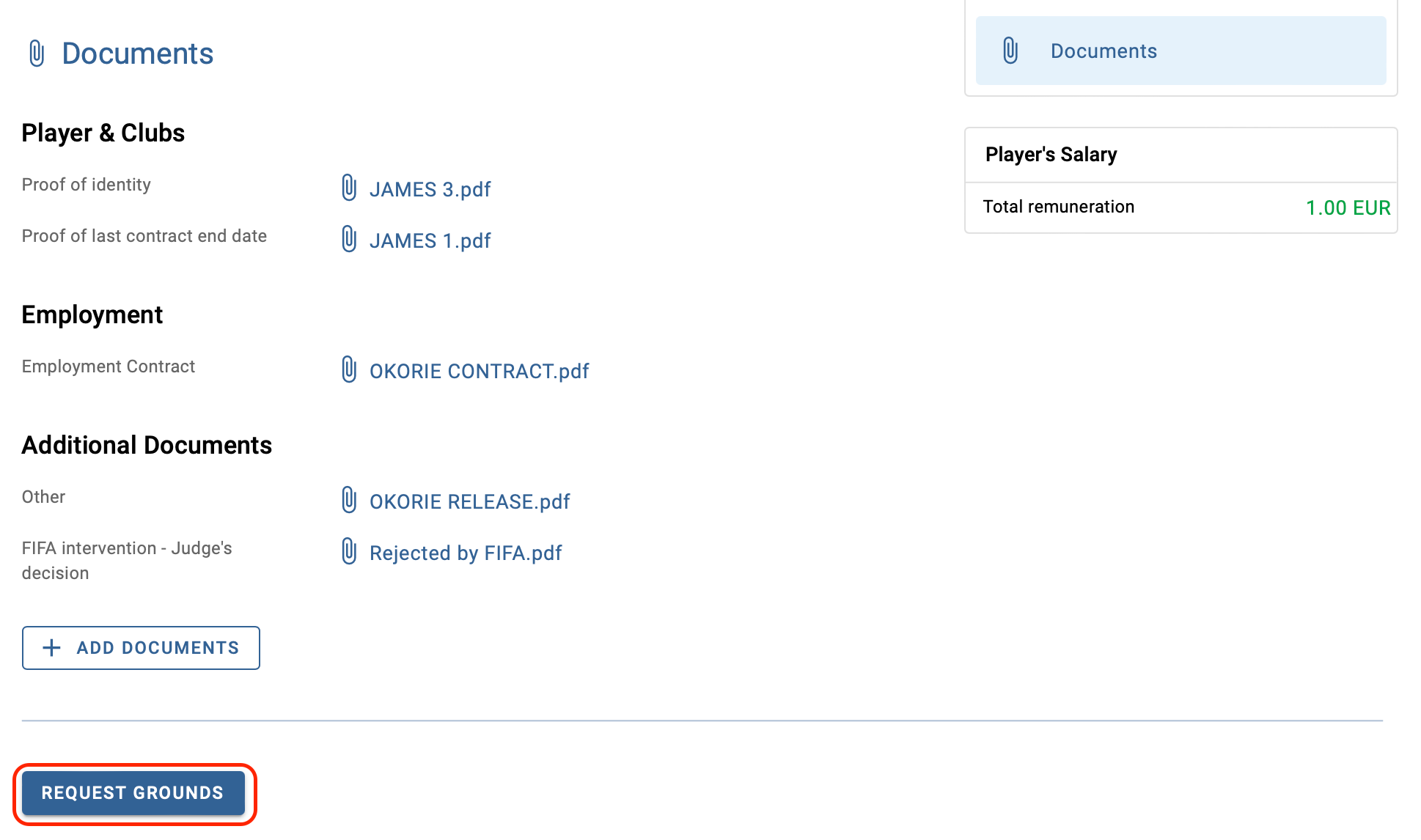
To request the grounds for the decision, navigate to the relevant transfer instruction under the Transfers > Overview tab, and click on “Request grounds”.
Scroll to the bottom of the instruction and click on “Request grounds” once again.
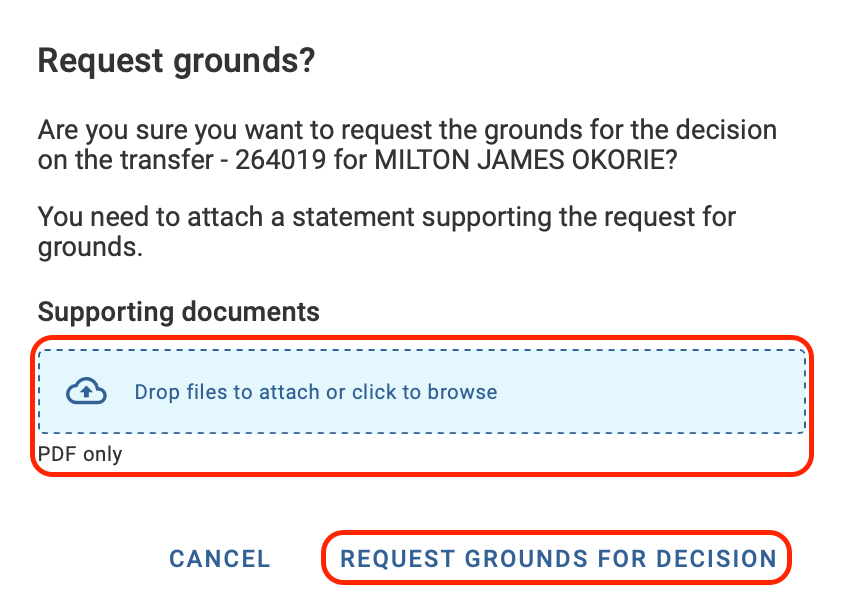
A new window will appear, asking you to confirm the request and upload supporting documentation. Once completed, select “Request grounds for decision” to submit the request.
Cancelling a request for grounds
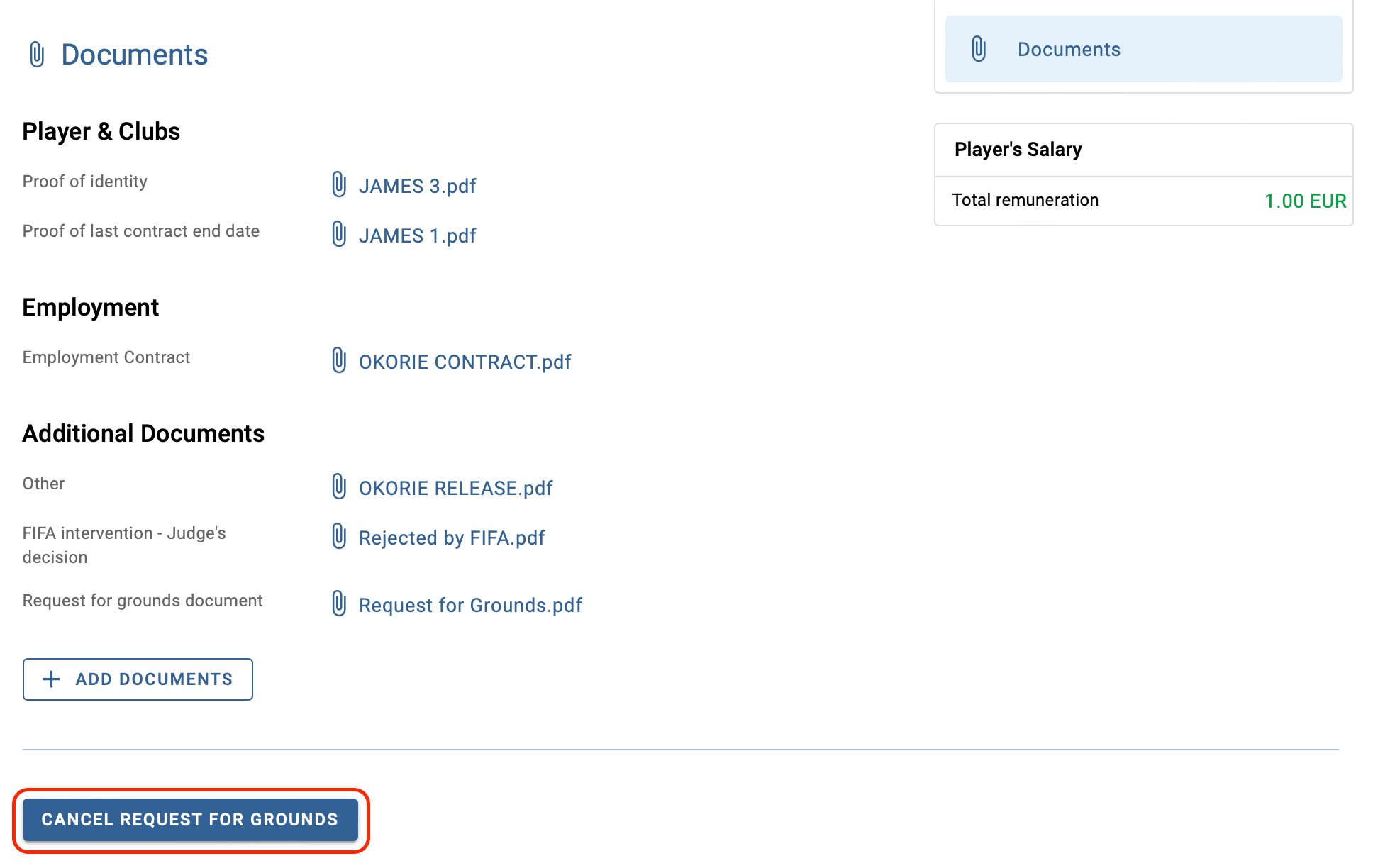
If necessary, the request for grounds can be cancelled before the grounds are provided. To do so, click on “Cancel request”, then scroll to the bottom of the instruction and click on “Cancel request for grounds”.
A new window will appear, asking you to confirm the cancellation. Select “Cancel request for grounds” again to finalise the cancellation.