Table of contents
Entering payment amendments
If your club agrees with another club to amend the payment terms of a transfer agreement after the transfer has been completed in TMS, your club can search for the relevant transfer and click on “Amend payments”.
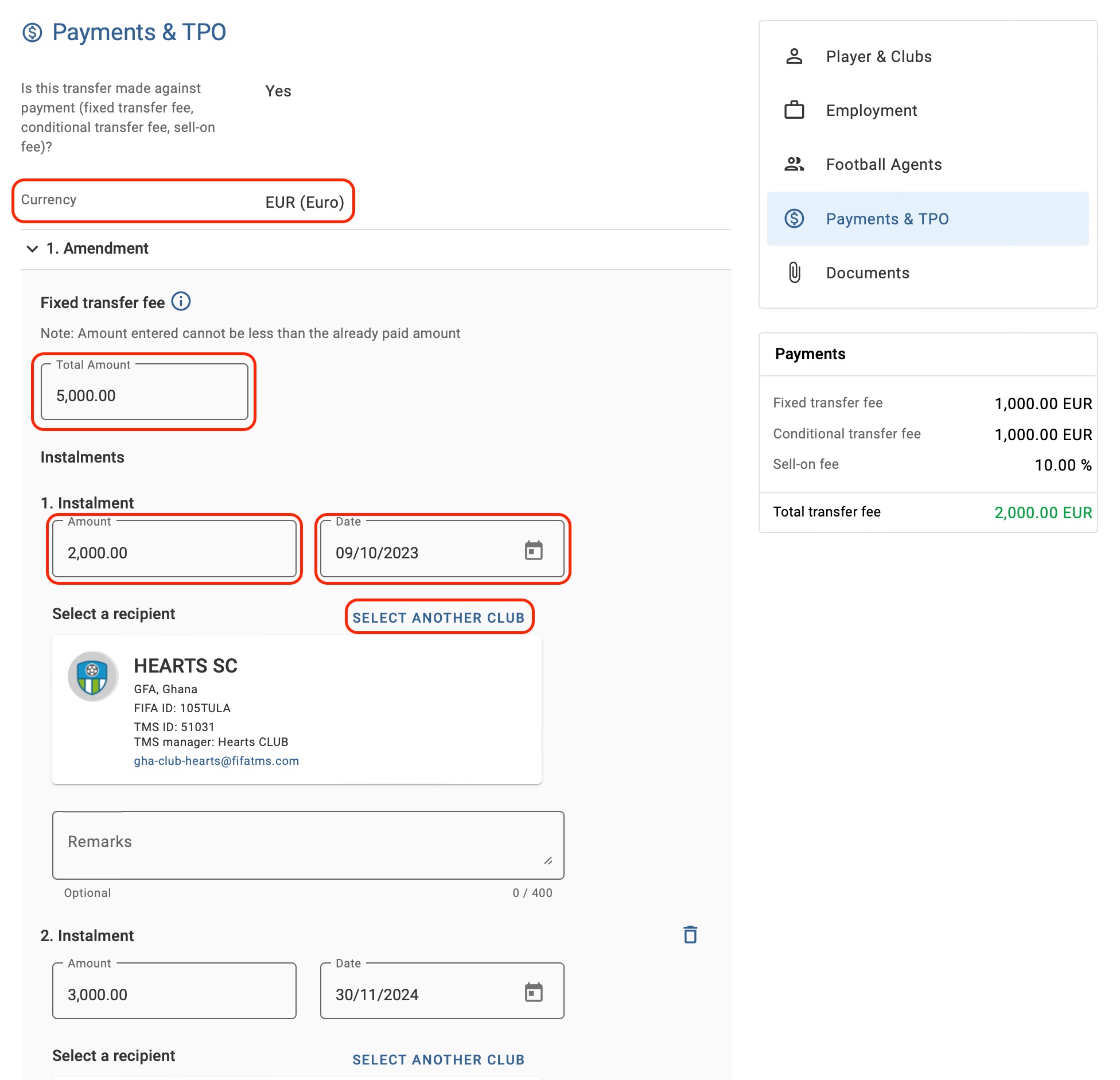
Under the “Payments & TPO” section, your club will be able to amend the total amount of each payment type, the payment recipient, as well as the amount and date of any unpaid instalments. However, payment currency and paid instalments cannot be amended.
You can also add new instalments or remove unpaid instalments. Once the relevant information has been updated, scroll to the bottom of the amendment to enter the date and upload a copy of the amended transfer agreement.
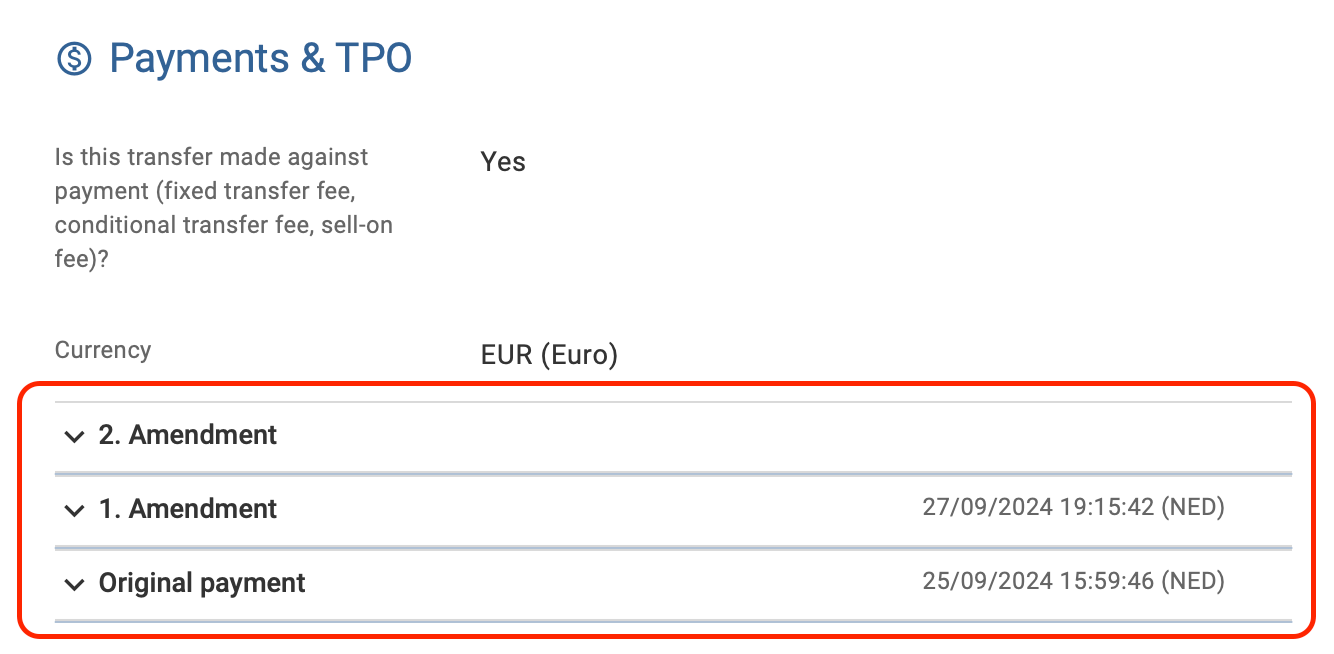
Note: the transfer maintains a historical record of the original payment details, along with any amendments made over time. When submitting an amendment, you can review both the original payment information and all subsequent changes by expanding the drop-down sections located at the bottom of the “Payments & TPO” section.
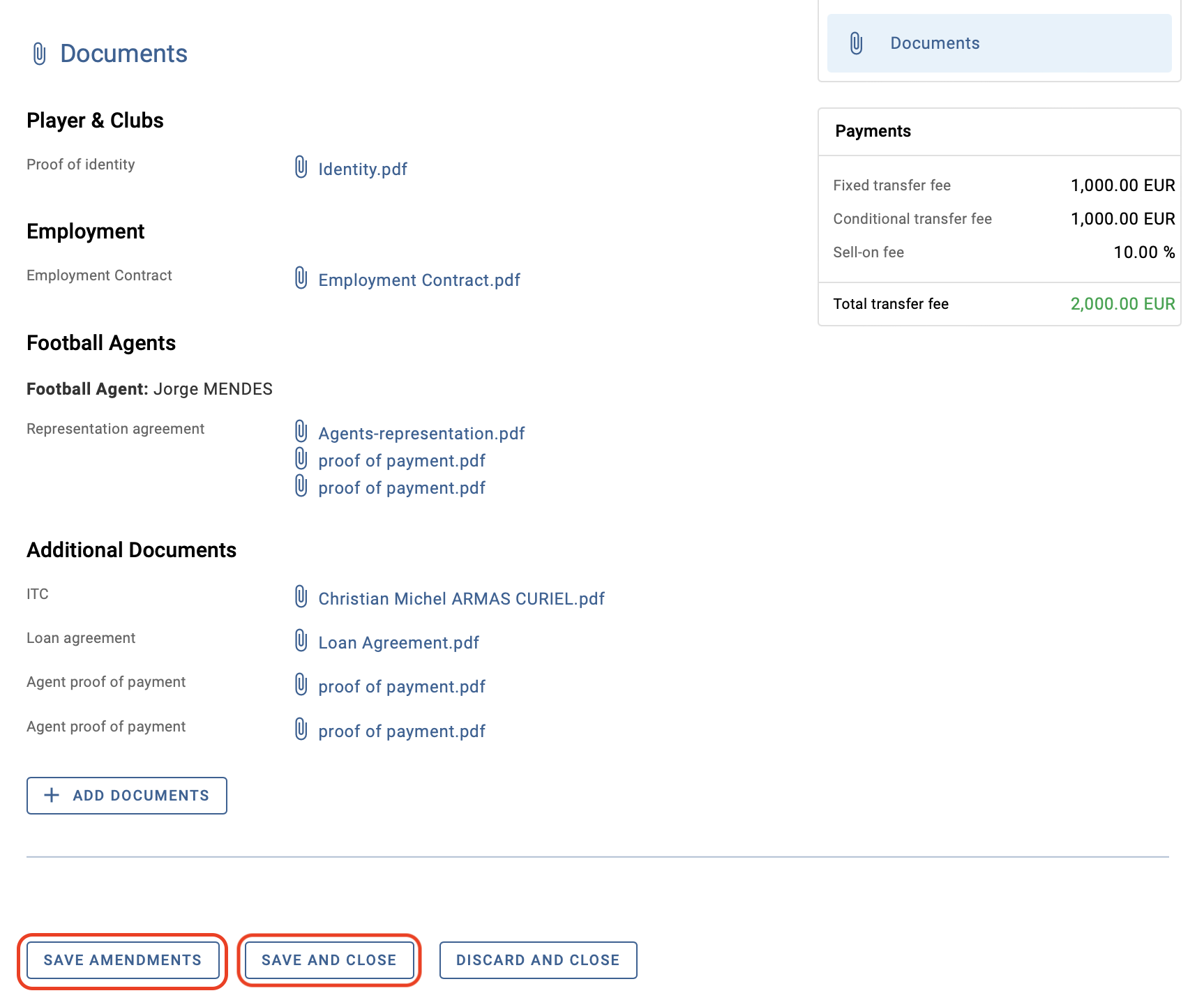
Scroll to the bottom of the transfer summary and click on “Save and close” to confirm the changes. You can also click “Save amendments” if the amendments are not yet final.
After payment amendments are submitted
Once the payment amendments are submitted, the status of the transfer will be updated to “Awaiting matching of new payments” until both clubs enter and confirm the amendments to the payment details.
Note: in this status, the club that submitted the payment amendments can edit or cancel the payment amendments. If the amendments are cancelled, the transfer status will revert to either “Closed – Awaiting Payments” or “On Loan – Awaiting Payments”.
If there is a mismatch between the amendments submitted by the clubs, the transfer status will change to “Matching exception on new payments” until the relevant club(s) make the final change to match the amendments. For more information, see “Matching process and matching exception”.
Note: Proof of payment cannot be uploaded while the transfer is in status “Awaiting matching of new payments” or “Matching exception on new payments”. Also, the transfer forced closure cannot be requested.
In international transfer cases where no new contractual agreement has been reached, the new club must upload in ITMS a declaration signed by both clubs explaining the reason(s) for the non-payment. For more information on how to upload mandatory documents after the transfer confirmation, see the “Transfer documents in TMS: mandatory documents, upload rules and evidence” section.
Transfers where payment amendments are not available
Payment amendments are not available for transfers created after 16 November 2022 where there is a discrepancy between the payment details entered in the instruction and the proof of payment already uploaded.
To amend the payment terms, follow the appropriate steps depending on your situation:
- If the payment amount is greater than originally declared in the instruction, upload a document reflecting the new contractual arrangements in the relevant instruction in TMS. This document should be uploaded under the “Transfer agreement” document category and must be sent to TMSHelpdesk@fifa.org for review.
- If the payment amount matches or is less than declared in the instruction, select “Club payments” in the relevant instruction and upload the proof of payment by clicking on “Add payments”.
- If the pending amounts are no longer due, request the forced closure of the transfer. For more information on this topic, see the “Transfer forced closure” section.